FaceTime Alternatives for Android: 7 Best Video Call Apps
When it comes to video chats, it's easy to see why Android users are on the hunt for the best Facetime alternatives.

FaceTime has no Android app, but Android users can still join FaceTime calls through a web link, and apps like WhatsApp, Google Meet and Signal make good FaceTime alternatives for Android. WhatsApp is the easiest choice because most people already have it, Google Meet is built into many Android phones, and Signal is the best pick for privacy.
The list has changed in the last few years. Google Duo was merged into Google Meet in 2022, and Microsoft retired Skype on 5 May 2025 in favour of Teams. Here is what works today for video calls between Android and iPhone.
Can you use FaceTime on Android?
Partly. An iPhone, iPad or Mac user can create a FaceTime link and send it to you, and you can join from the latest version of Chrome or Microsoft Edge on Android or Windows. You cannot start a FaceTime call from Android or call an iPhone user directly.
- Ask the iPhone user to open FaceTime, tap Create Link and share it with you. This needs iOS 15 or later, or macOS Monterey or later on a Mac.
- Open the link on your Android phone in Chrome or Edge.
- Enter your name and allow camera and microphone access.
- Tap Join and wait for the host to let you in.
On the web, you can mute, switch cameras and see group calls in a grid, but SharePlay and screen sharing are not available. FaceTime links also do not work in mainland China.
FaceTime alternatives for Android compared
| App | Max video participants | Works on iPhone | End-to-end encrypted calls | Account needed |
|---|---|---|---|---|
| 32 | Yes | Yes | Phone number | |
| Google Meet | 100 (free) | Yes | Encrypted in transit; E2EE on some calls | Google account |
| Signal | 75 | Yes | Yes | Phone number |
| Facebook Messenger | Group calls supported | Yes | Yes, for personal chats | Facebook or Messenger account |
| Zoom | 100 (free, 40-minute limit) | Yes | Optional | Free account to host |
| Microsoft Teams (free) | Group calls supported | Yes | Encrypted in transit | Microsoft account |
| Viber | Group calls supported | Yes | Yes | Phone number |
1. WhatsApp
WhatsApp is the most practical FaceTime replacement for most people, especially in the UK and Europe, where it is the default messaging app for many. Video calls work between Android, iPhone and the desktop apps, and calls are end-to-end encrypted.
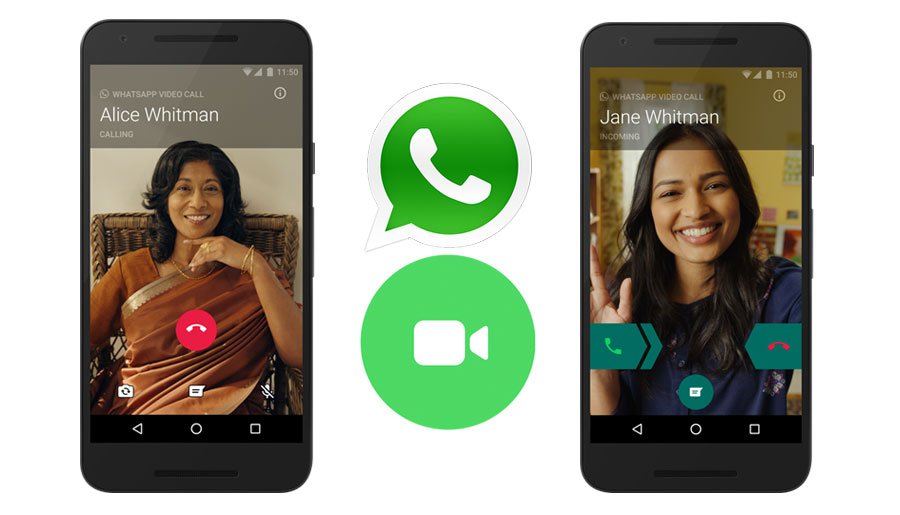
Group video calls support up to 32 people, and you can share your screen with audio during a call. If you are moving from an iPhone, our guide on transferring WhatsApp chats to a new phone explains how to bring your history across.
2. Google Meet
Google Meet replaced Google Duo and comes preinstalled on many Android phones. It is the closest experience to FaceTime on Android: you can call people from your contacts or the Phone app, and iPhone users can join from the Meet app or a browser.
With a free Google account, meetings allow up to 100 participants. Group calls on the free plan are limited to 60 minutes, while one-to-one calls are not subject to that limit. Fun extras like effects, backgrounds and live captions are included.
3. Signal
Signal is the best FaceTime alternative if privacy matters most. Every call is end-to-end encrypted by default, and the non-profit Signal Foundation collects very little data about you.
Group calls support up to 75 people, and you can create a call link to share with anyone who has Signal. The only real downside is that the person you are calling also needs to use Signal.
4. Facebook Messenger
Messenger is useful because so many people already have it. Video calls work across Android, iPhone, tablets and computers, and Meta has rolled out end-to-end encryption for personal chats and calls by default.

It includes filters, effects and group calls. The app can feel cluttered compared with FaceTime, but it is a quick way to reach friends who are not on WhatsApp.
5. Zoom
Zoom is the familiar choice for work and family calls with larger groups. The free plan lets you host meetings with up to 100 participants, but each meeting is limited to 40 minutes.
Guests can join from Android, iPhone, Windows, Mac or a web browser without paying. For long personal calls, WhatsApp or Meet are more convenient.
6. Microsoft Teams (free)
Microsoft replaced Skype with Teams Free, which handles personal video calls, group chats and calendars. Former Skype users were able to sign in to Teams with the same Microsoft account and keep their contacts and chats.
It works on Android, iPhone, Windows, Mac and the web. It is a sensible choice if your family or friends already used Skype.
7. Viber
Viber, owned by Rakuten, is widely used in parts of Eastern Europe, the Middle East and Southeast Asia. Calls and messages are end-to-end encrypted, and it supports group video calls and paid calls to landlines through Viber Out.

If your contacts are in a region where Viber is popular, it is a reliable cross-platform option.
Which FaceTime alternative should you use?
- Calling one iPhone user occasionally: ask them to send a FaceTime link and join in Chrome.
- Everyday calls with friends and family: WhatsApp.
- Built into your phone with no extra app: Google Meet.
- Maximum privacy: Signal.
- Large meetings: Google Meet or Zoom.
Switching from iPhone to Android? Our guides on accessing iCloud Photos on Android and sharing files from Android to iPhone cover the other common gaps.
Frequently asked questions
Can Android users join a FaceTime call?
Yes. An iPhone, iPad or Mac user creates a FaceTime link and shares it. You open it in the latest Chrome or Edge on Android, enter your name and wait for the host to admit you.
What is the Android version of FaceTime?
There is no official one. Google Meet, which replaced Google Duo, is the closest built-in option on many Android phones, and WhatsApp is the most widely used cross-platform choice.
What is the most private FaceTime alternative?
Signal. All calls are end-to-end encrypted by default, it collects very little user data, and group calls support up to 75 people.
Is Skype still available?
No. Microsoft retired Skype on 5 May 2025 and moved users to Microsoft Teams Free, where they could sign in with the same account.