Key takeaways
- Virat Kohli joined LinkedIn on 13 October 2026 and posted about building Indian sports brands.
- Search his name, open People results and pick the profile showing one8world and Agilitas.
- Use Follow, not Connect, then tap the bell icon to choose post notifications.
- Athletes are joining LinkedIn to reach founders, investors and brand partners.
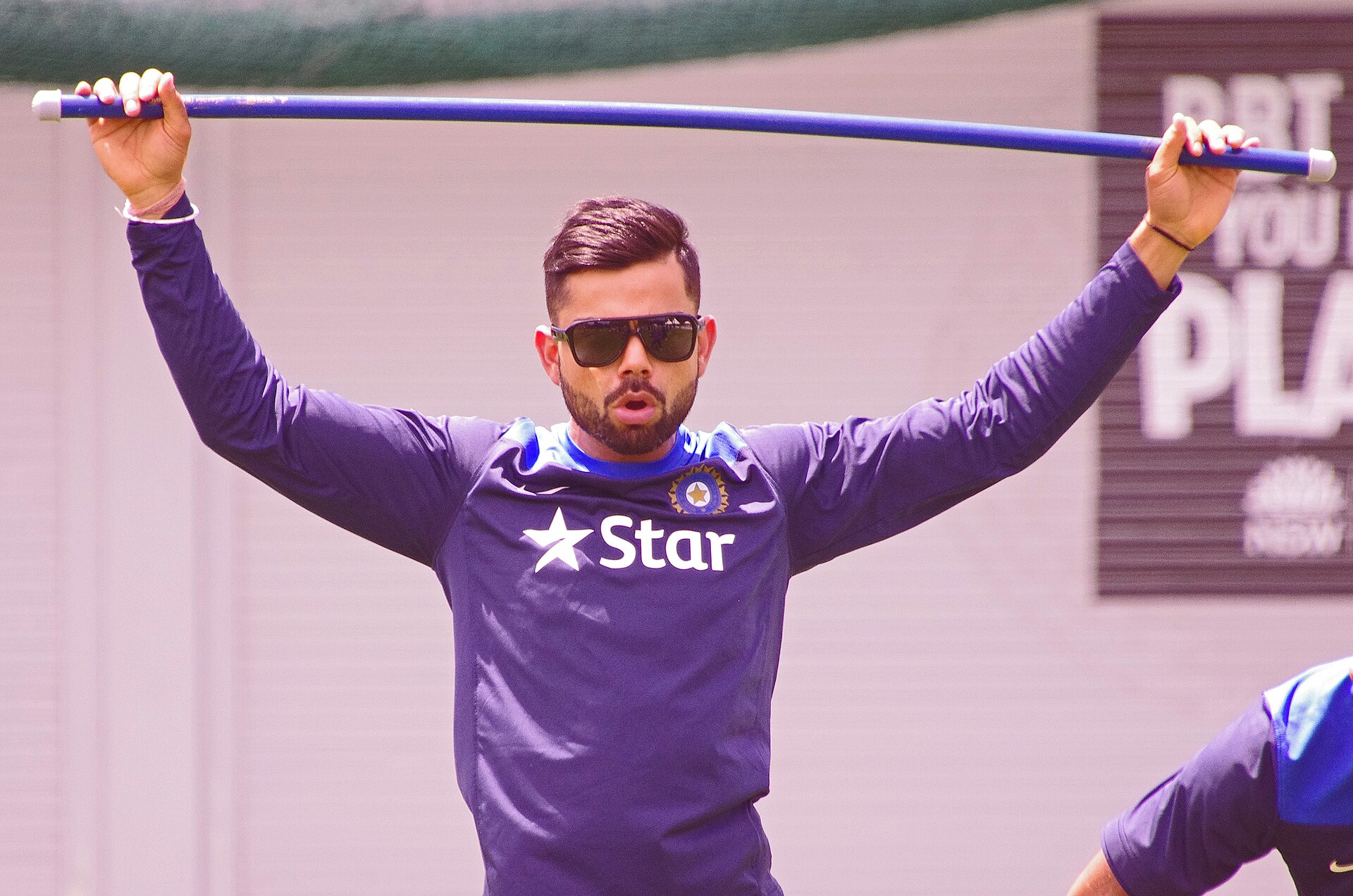
Cricketer Virat Kohli, 37, joined LinkedIn on 13 October 2026 and published a long first post on his plans for Indian sports businesses. His profile is live on the app and website, and anyone can follow it for free. This guide explains the steps to find and follow it, and why athletes are choosing the platform.
How to follow Virat Kohli on LinkedIn on your phone
The steps below work on the LinkedIn app for Android and iPhone. Button names can vary slightly by app version and by the settings a member has chosen.
- Open the LinkedIn app and sign in. Install or update it from Google Play or the App Store if needed.
- Tap the search bar at the top and type “Virat Kohli”.
- Open the People tab in the results. Several accounts may share the name, so check the details before you tap.
- Choose the verified profile that lists Co-Founder at one8world, Investor at Agilitas and Professional Athlete at Indian Cricket Team.
- Tap Follow on the profile. The button changes to Following once it has worked.
We have not published a direct profile link here. Search by name and match the details above, as fan and parody accounts often copy famous names.
How to follow Virat Kohli on LinkedIn using a laptop or desktop
- Go to linkedin.com in your browser and sign in.
- Click the search box at the top left and type “Virat Kohli”, then press Enter.
- Click People under the filters below the search bar.
- Open the profile with the one8world and Agilitas details.
- Click Follow in the top section of the profile.
If the profile shows Connect as the main button, look under More in the same section. A Follow option is often placed there. Following does not need his approval, while a connection request does.
Follow or Connect: which one should you use?
Follow lets you see someone’s posts in your feed without becoming a contact. Connect creates a two-way link and needs the other person to accept. For a public figure with a very large audience, Follow is the practical choice.
Following also keeps your own connection list unchanged. You can stop at any time by opening his profile and tapping Following, then choosing Unfollow.
How to get notifications when Virat Kohli posts
After you follow a member, LinkedIn usually shows a bell icon near the button on their profile. Tap or click it to choose which new posts should alert you. Pick the option for all posts if you do not want to miss his updates.
Also check that notifications for LinkedIn are allowed in your phone settings. Without that, the bell setting alone will not send alerts to your lock screen.
What has Virat Kohli posted on LinkedIn?
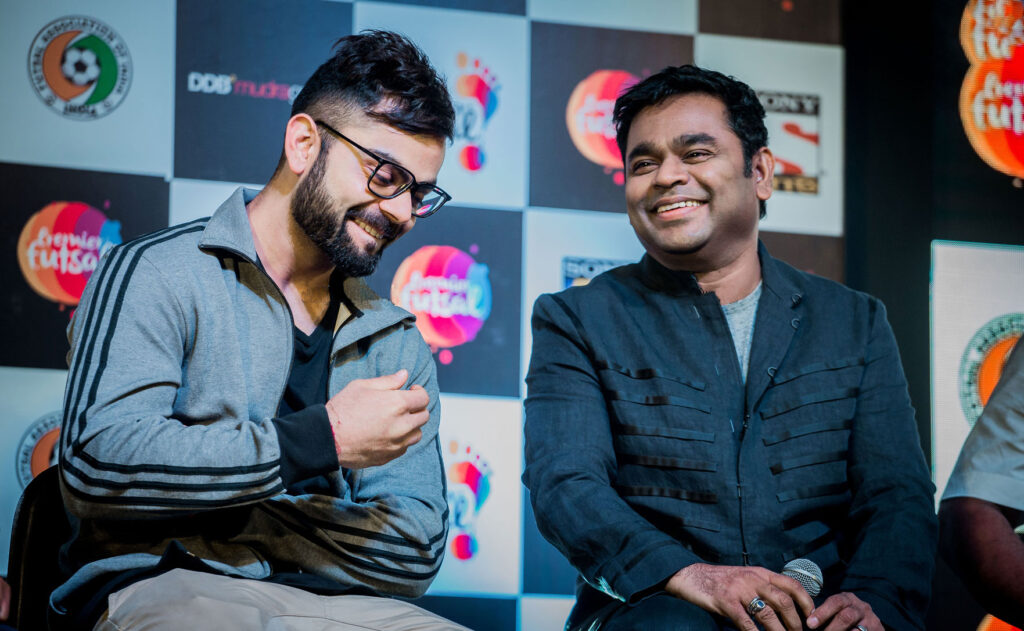
In his first post he set out a vision for an Indian sports platform that covers manufacturing, consumer brands and sports distribution. He said India can help shape the future of global sport, not only take part in it. In his words: “I’ve always wanted to see an India where every sport is followed, celebrated, and played.”
He also said he saw one8world come to life in front of thousands of people in his home city, Delhi. His profile says he plans to write on leadership, team building, decision-making under pressure and sustaining performance, drawing on nearly two decades of international cricket.
| Item | Detail |
|---|---|
| Joined LinkedIn | 13 October 2026 |
| Profile headline roles | Professional Athlete at Indian Cricket Team; Co-Founder at one8world; Investor at Agilitas |
| Location listed | India |
| Topics planned | Leadership, team building, decision-making under pressure, sustaining performance |
| Cost to follow | Free, on a basic LinkedIn account |
What are one8world and Agilitas?
one8 is the active lifestyle brand Kohli co-founded. He is directly involved in shaping its performance and active lifestyle products, including function, design and finish.
Agilitas Sports was founded in 2023 by Abhishek Ganguly, a former managing director of Puma India and Southeast Asia, along with Atul Bajaj and Amit Prabhu. It is a vertically integrated company covering product development, manufacturing, distribution, retail and brand building. Kohli is an investor. Some media reports put his investment at about Rs 40 crore, but this has not been confirmed.
Why are athletes and celebrities moving to LinkedIn?
Instagram and X remain the main places for fan reach, but they are built around short updates and entertainment. LinkedIn is used by founders, investors, recruiters and brand managers, which suits an athlete who is now building businesses.
The platform is also large in India. LinkedIn India says it has over 185 million members in the country and over a billion professionals worldwide. Its India Country Manager, Kumaresh Pattabiraman, welcomed Kohli and described him as part of a new generation of leaders who build beyond a single career.
For Kohli, who retired from T20 internationals in 2024 and from Test cricket in May 2025, the move fits his shift towards business. He still plays ODIs, and India’s next series is against New Zealand, with the first match reportedly on 4 November 2026 in Auckland.
Related reading on this site: learn how to change your LinkedIn URL to make your own profile easier to share, browse more app guides, or see these social audio app alternatives.
Frequently asked questions
Is Virat Kohli on LinkedIn?
Yes. He joined on 13 October 2026 and published his first post the same day. His profile lists him as Professional Athlete at Indian Cricket Team, Co-Founder at one8world and Investor at Agilitas.
How do I find Virat Kohli’s LinkedIn profile?
Search for “Virat Kohli” in the LinkedIn app or website, open the People results and pick the verified profile with his one8world and Agilitas details. Avoid accounts that lack these details.
Do I need LinkedIn Premium to follow him?
No. A free account is enough to follow a member and see public posts in your feed.
Should I send a connection request to Virat Kohli?
It is better to follow. A connection request needs his acceptance, and high-profile members rarely accept requests from the public. Following gives you his posts without that wait.
Sources: BestMediaInfo, Adgully, myKhel.